Choose Which Compute Your Deployment Lands On
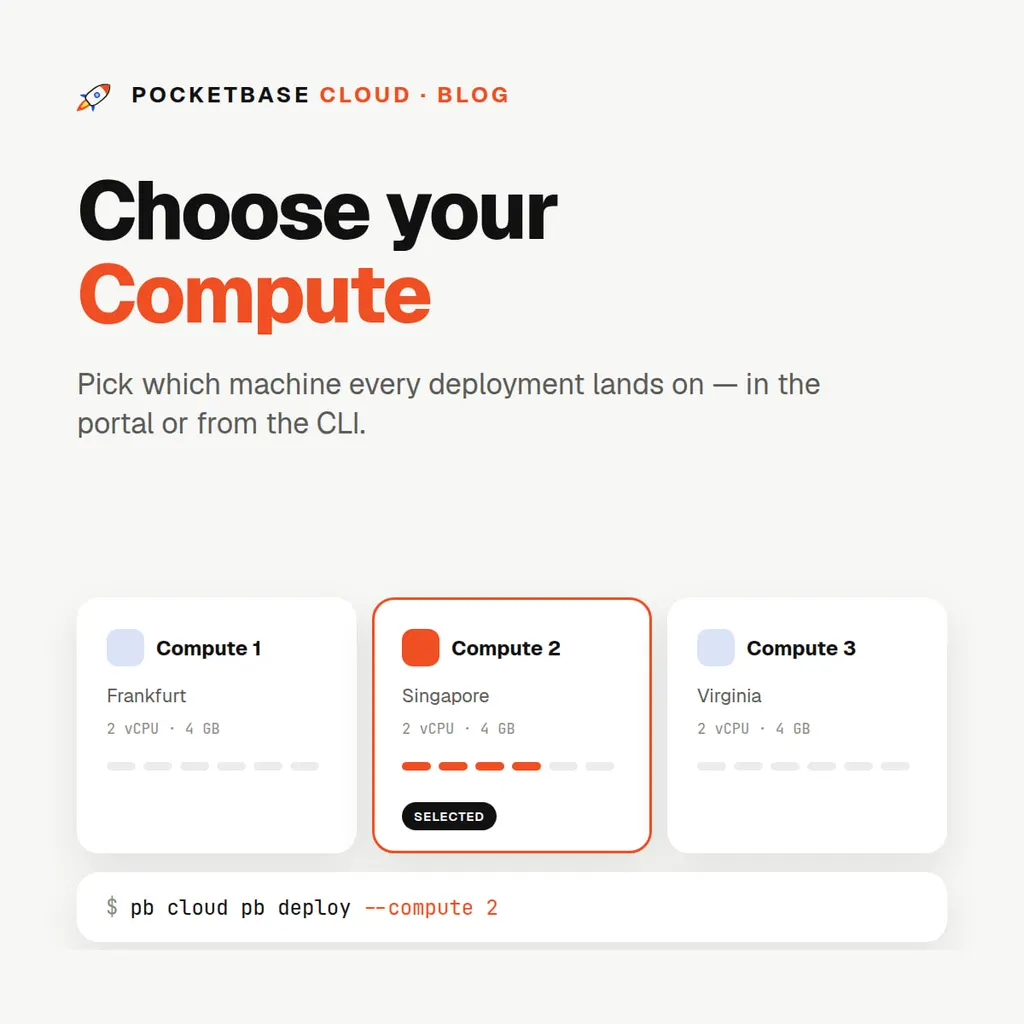
Choose Which Compute Your Deployment Lands On
On the Free and Starter plans, you don’t think about servers — you ask for a PocketBase instance and one appears. That’s the right default for a single app, and it stays the default.
But once you’re on Pro with more than one dedicated compute, “somewhere” stops being a good answer. Your production database and the staging instance you redeploy twenty times a day should not necessarily share a machine, and only you know which is which.
So now, on Pro and inside organization projects, you choose.
How it works
When you create a PocketBase instance, a backend or a frontend:
- One compute? It’s used without asking. No menu for a choice that isn’t one.
- Several? You get a menu, and you pick.
From the CLI, it’s a flag:
pb cloud compute ls                      # list your computes
pb cloud pb deploy --compute <id>        # deploy onto a specific one
--compute was previously --server, which is still accepted so nothing in
your scripts breaks. Omit it on Pro with several computes and the CLI asks
interactively — in CI, where nothing can answer a prompt, pass it explicitly.
Computes are named the way you’d describe them
A compute shows up everywhere as Compute 2 — Frankfurt: numbered oldest-first across your account, with the city it actually runs in.
That’s deliberate. Internally these things have machine names of the kind nobody wants to read at 2am, and a menu of them would be a puzzle rather than a choice. The portal, the CLI and the deploy prompts all use the same naming, so the compute you picked in a menu is the one you can recognise in a log line an hour later.
A redeploy never re-picks
Once a resource is placed, it stays there. Every redeploy — from the portal,
from pb cloud pb deploy, from CI — goes back to the same compute.
This is the rule that makes the feature safe to use. Placement that got re-evaluated on each deploy would mean your instance could silently migrate between machines on a Tuesday afternoon, and “which box is my data on” would become a question with a time-varying answer. It doesn’t. The choice happens once, at creation.
Organizations get this too
If you deploy into a project shared with an organization, you’re choosing from the project owner’s computes — because an org project’s resources bill to the owner, and it’s the owner’s infrastructure they run on.
This solves a real awkwardness. A developer in someone else’s organization can’t read the account’s server records at all, so before this the portal had nothing to show them and no way to ask. Now the deploy screen fetches exactly what it needs — the owner’s plan, the org the project belongs to, and the owner’s running computes — and nothing else.
What isn’t offered as a choice
The shared platform pool — the servers Free and Starter deployments land on — is never in the menu.
It’s auto-selected by capacity, weighing CPU cores and RAM against what is already running, so that a new instance goes where there’s room. Offering it as a manual choice would just let you pick a worse answer than the scheduler would have. On Starter, the control you do get is the region, chosen when you deploy; leave it blank and any pool server is fair game.
Here’s the full picture:
| Plan | How placement is decided |
|---|---|
| Free | Auto-selected from platform servers open to free deployments |
| Starter | Auto-selected by capacity, optionally filtered by the region you pick |
| Pro | You choose your dedicated compute — one is used without asking, several are offered as a menu |
| Organization project | You choose from the project owner’s computes |
Why you’d want more than one compute
Two computes is the point where this feature earns its place:
- Separate staging from production. A runaway migration or a memory-hungry backend on staging then can’t touch the instance your users are on.
- Serve two regions. One compute in Frankfurt and one in Singapore, each hosting the instances for the audience nearest to it. Latency is decided by distance more than by anything else you can tune.
- Isolate a noisy client. Agencies especially: the client with the batch job that runs every hour gets their own machine.
Pro’s dedicated compute supports effectively unlimited PocketBase instances, backends and frontends on the flat $20/month price, so most teams need one compute per region or environment they care about — not one per project.
For where computes can be provisioned, see Available Regions; for the full CLI flag list, see Deploying PocketBase.